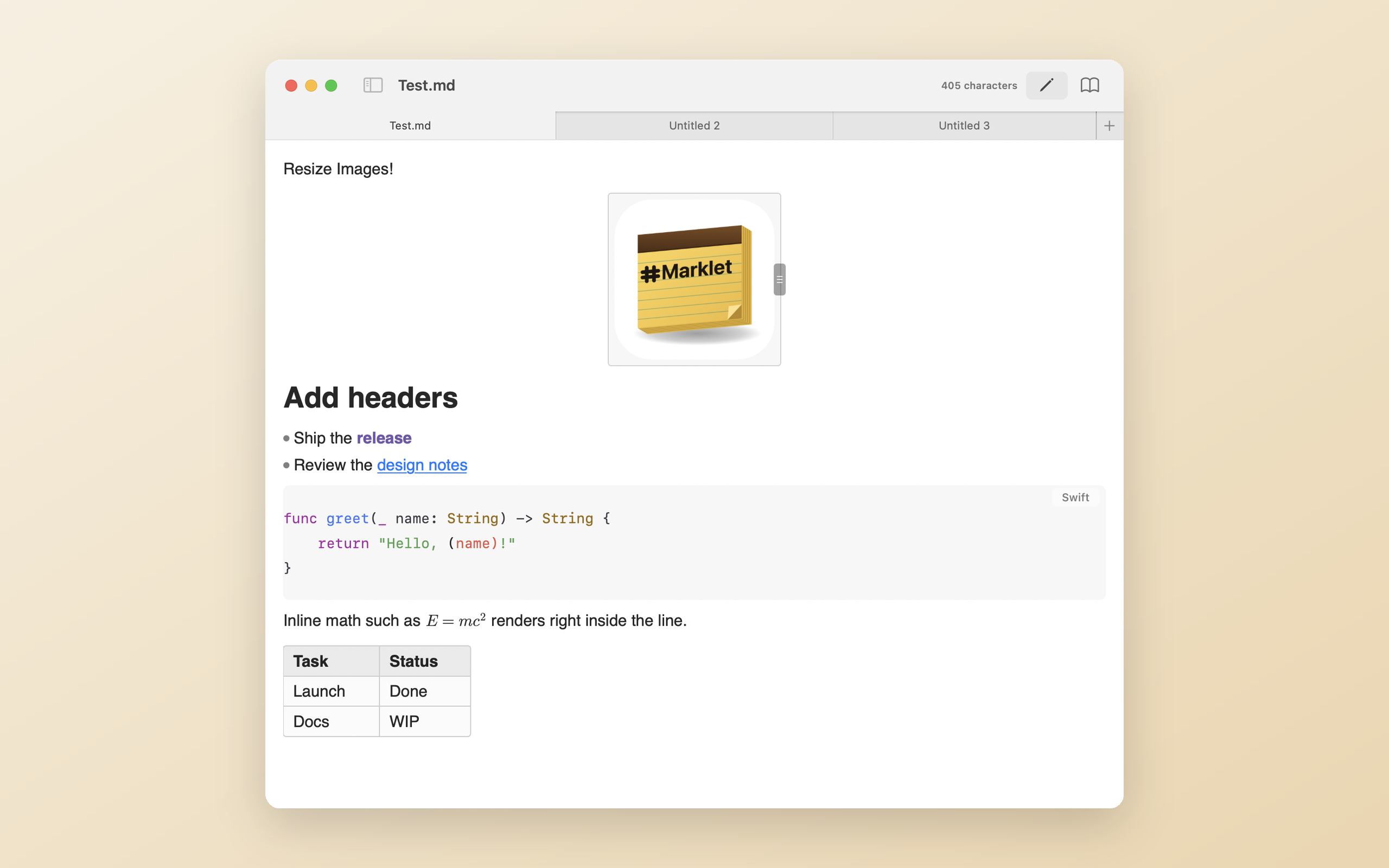
Marklet is a tiny, native macOS editor where syntax melts into formatting as you type. No preview pane. No Electron. Just your .md files, beautifully editable.
Meeting notes for Tuesday, with inline code that stays honest.
| Feature | Status |
|---|---|
| Tables | Rendered in place |
Syntax markers hide when your caret leaves an element, so **bold** reads as bold. Click back in and the raw Markdown is right there.
Task lists render as real checkboxes. Click to toggle, undo works, and your file is still plain text underneath.
Pipe tables render as a grid you can edit cell by cell, with Tab navigation and right-click row and column operations.
Inline and block formulas render sharp on any display and collapse to exactly the space they need. Dollar amounts are left alone.
Fenced blocks get language-aware highlighting for about 190 languages, plus a copy button that skips the fences.
Real macOS window tabs, real AppKit text editing, incremental rendering. It opens fast and stays out of your way.
Automatic updates via Sparkle. Your notes never leave your Mac.
Download Marklet